Is there inappropriate stuff on VR?
Yes. VR (virtual reality) can include inappropriate content and behavior, just like the broader internet—sometimes more intense because it feels immersive and personal. The good news is that you can reduce exposure significantly with the right platform choices, settings, and habits.
Below is a clear breakdown of what “inappropriate” can mean in VR, where it tends to appear, and practical steps to avoid it.
What counts as “inappropriate” in VR?
“Inappropriate” varies by age, comfort level, and context, but in VR it typically falls into a few buckets:
Adult content
- Explicit or sexually themed worlds, avatars, or conversations.
- “Gray area” spaces that aren’t labeled adult but become adult-coded through user behavior.
Harassment and boundary violations
- Unwanted attention, crude comments, stalking/following, or disruptive behavior.
- Behavior that feels “closer” because VR simulates proximity and presence.
Hate speech and extremist content
- Offensive language, targeted harassment, or radicalizing communities.
Grooming and predatory behavior (especially risky for minors)
- Adults attempting to build trust with younger users.
- Requests to move to private chats or other apps.
Graphic or disturbing content
- Shock content, violent roleplay, or “trolling” meant to upset people.
Where does inappropriate VR content show up most?
Not all VR apps are equal. Risk rises when you combine large public lobbies + user-generated content + weak moderation.
Common hotspots:
Social VR platforms with open public rooms
- Public instances can be unpredictable, especially during peak hours.
User-created worlds and avatar systems
- User creativity is great—but it’s also how “edge” content slips in.
Unmoderated private rooms
- Anything private can become “anything goes,” depending on who’s inside.
Off-platform communities
- Discord servers and invite-only groups can be well-run—or completely unmanaged.
Who is most at risk?
- Kids and teens: Higher risk of grooming, age-inappropriate rooms, and manipulative social dynamics.
- New VR users: They may not know how to mute/block/report quickly.
- Anyone using default settings: Many platforms ship with “open” social discovery turned on.
If VR is used in a household with minors, treat it like giving access to a live public chatroom—because that’s often what social VR effectively is.
How to avoid inappropriate stuff on VR (practical checklist)
1) Use curated apps and experiences first
If your goal is fitness, games, creativity, or education, start with single-player or curated multiplayer titles. You’ll get the “wow” of VR without the chaos of open lobbies.
2) Lock down privacy and safety settings
Most platforms offer: - Personal space / boundary distance tools - Mute, block, and report shortcuts - Friends-only instances - Restricted discovery (who can find you, invite you, or DM you)
Take 10 minutes to set these once—it pays off every session.
3) Avoid “public by default” social rooms
If you like social VR, prefer: - Friends-of-friends rooms - Hosted events with moderators - Communities with clear rules
4) Be cautious with voice, identity, and recordings
VR often involves voice chat and embodied presence. Protect yourself by: - Using a nickname (not your real name) - Avoiding personal details (location, workplace, schedules) - Learning whether the app supports session recording (by you or others)
5) For parents: don’t rely on “age gates” alone
Age gates are easy to bypass. Instead: - Use device-level parental controls - Keep headsets in shared spaces - Review installed apps regularly - Consider no social VR until maturity and supervision are realistic
What if you want adult experiences—without the chaos of public VR?
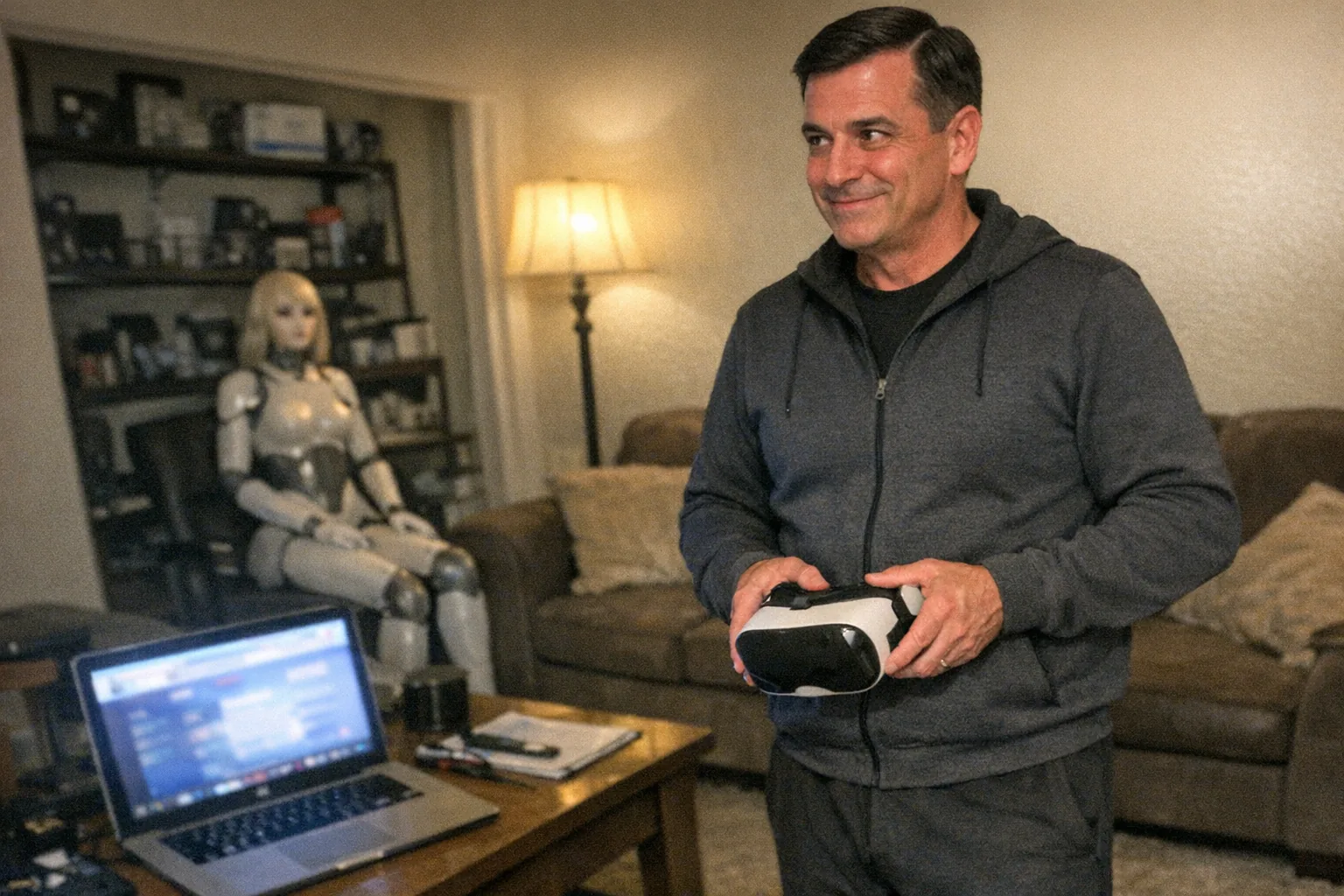
Some adults aren’t looking for public social spaces at all; they want private, controlled, at-home experiences that don’t involve random lobbies, strangers, or unclear boundaries.
That’s where purpose-built devices can be the more predictable option. For example, Orifice.ai offers a sex robot / interactive adult toy for $669.90 designed for private use, including interactive penetration depth detection (a technical feature aimed at responsiveness and control). It’s a very different risk profile than wandering into unmoderated VR rooms—because it’s not a public social environment.
(As with any connected device, still review privacy policies and app permissions before pairing accounts or enabling cloud features.)
Bottom line
Yes, there is inappropriate stuff on VR, especially in open social platforms and user-generated spaces. But you’re not powerless:
- Choose curated experiences when possible
- Tighten safety settings immediately
- Prefer moderated or friends-only rooms
- Treat public VR like public internet chat—because it is
If you tell me which headset and which apps you’re using (and whether this is for an adult or teen), I can suggest the safest settings to start with.